VIEWAPPLY

Create your floor plan withDraw Floor Plan AI

Have a space in mind? Tell our AI your plot size, rooms and requirements. Get a personalized floor plan you can explore, refine and edit—all in one app.

CREATE WITH AI
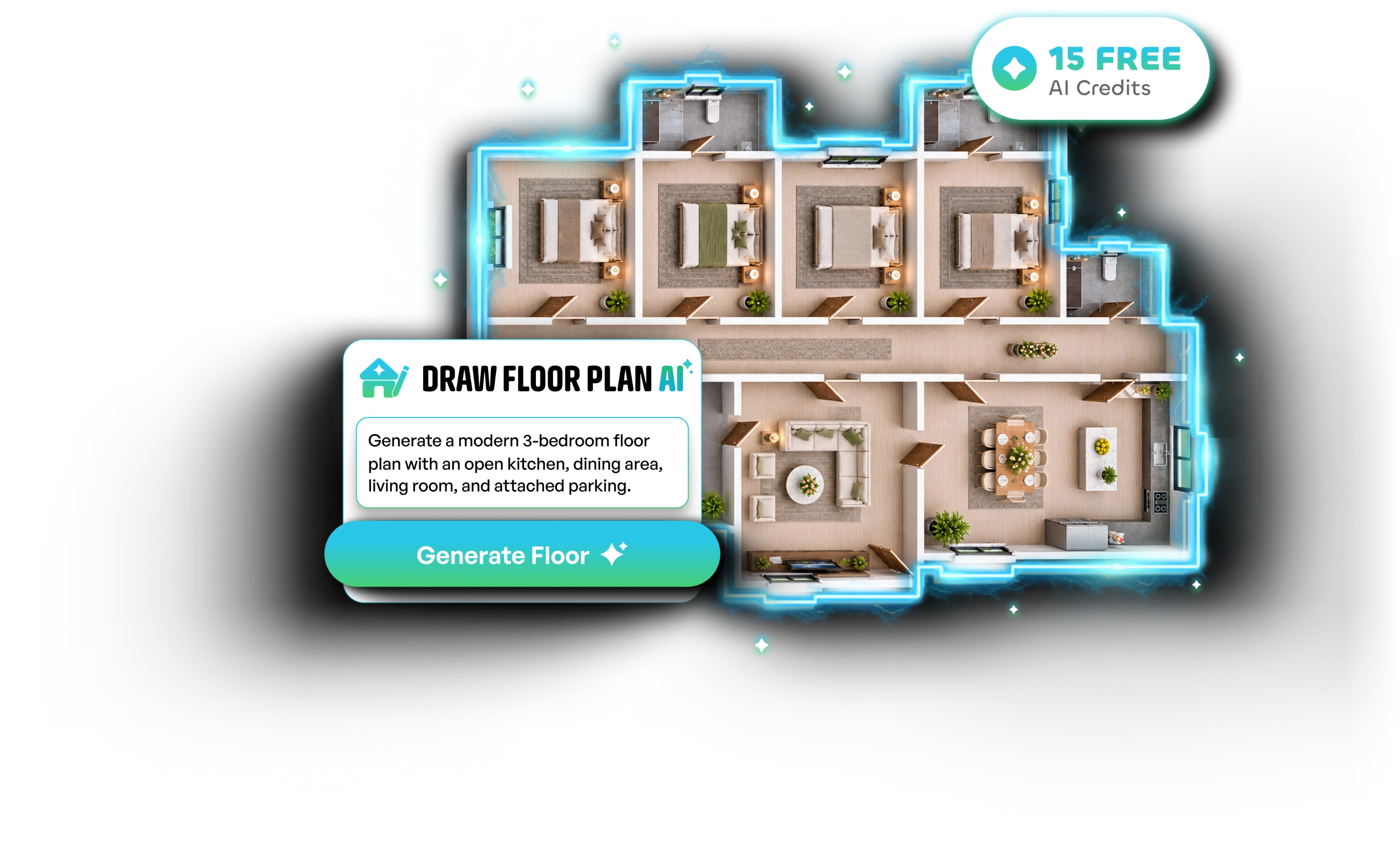
An AI-generated floor plan next to the prompt that created it, with 15 free AI credits

Everything you need to
bring an idea to life.

Generate Floor Plan

Create a layout from your requirements.
Edit with AI Prompt

Change a plan by updating its brief.

Regenerate Plan

Explore alternative layouts

Coming Soon

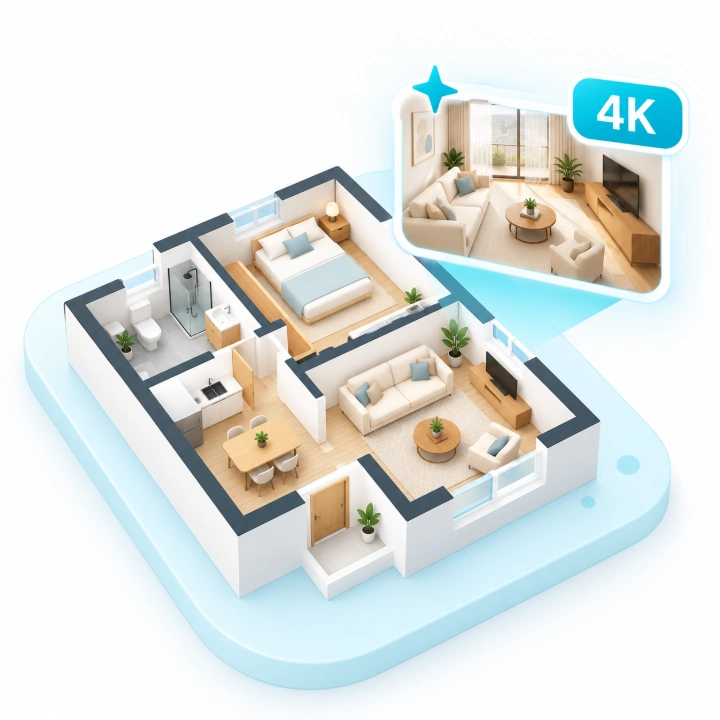
4K AI Renders

Turn your 3D view into a realistic image.

Tell AI what your space needs. Leave the layout to us.

No blank canvas required. Start with the details you already know - your plot, the rooms you want and anything important about how the space should work.
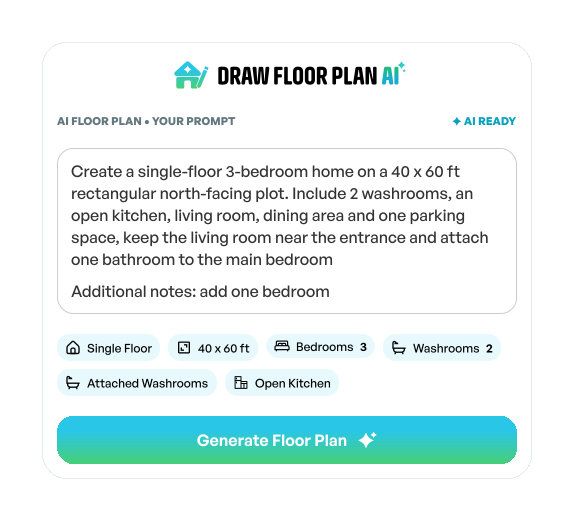
  • Choose a home, bungalow, villa, duplex or commercial space.
  • Specify the plot dimensions, shape and entrance direction.
  • Add bedrooms, bathrooms, kitchen, parking, utility and more.
  • Add extra instructions to guide the arrangement.
The AI floor plan brief: plot size, rooms and extra notes, with a Generate Floor Plan button

Explore layouts. Refine ideas. Keep creating.

Your first AI floor plan is a starting point, not the finish line. Want a different room arrangement? Try another layout or update the brief with more detail.
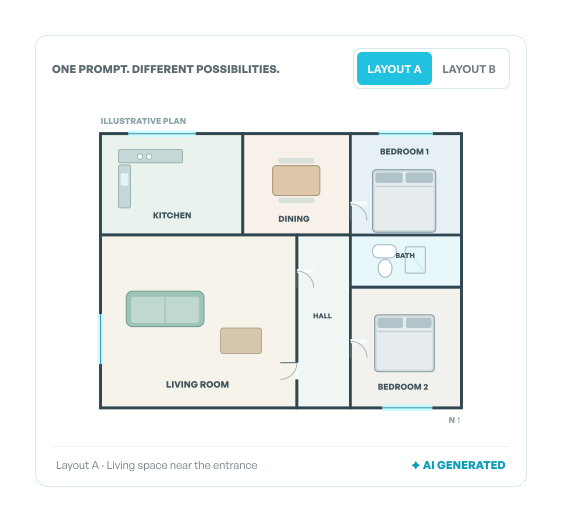
  • Generate an initial plan with your chosen rooms.
  • Regenerate to see alternative arrangements.
  • Add bedrooms, bathrooms, kitchen, parking, utility and more.
  • Open your result in the editor and save your plan.
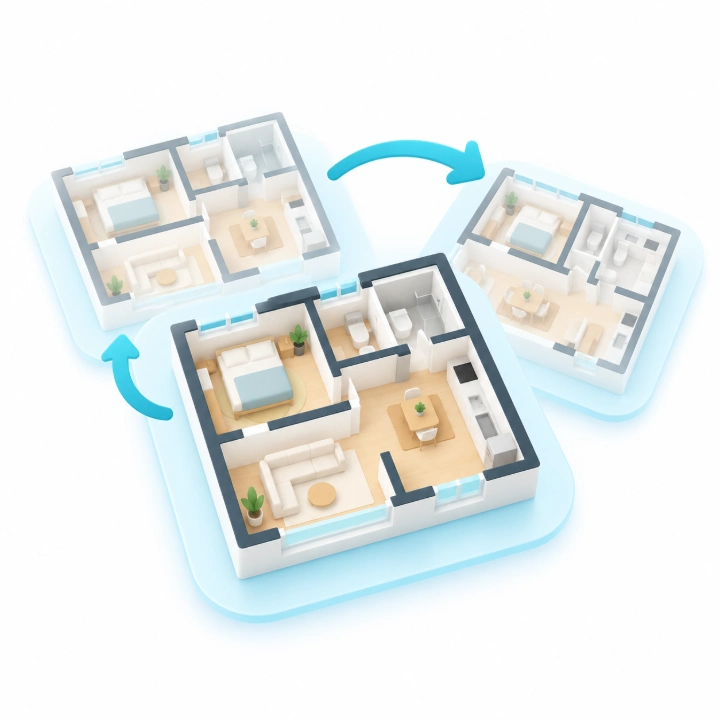
Two AI layouts generated from one prompt, shown side by side

From an idea to your
first AI floor plan.

Simple inputs. A plan built around them. The freedom to make changes—just like in the Draw Floor Plan app.
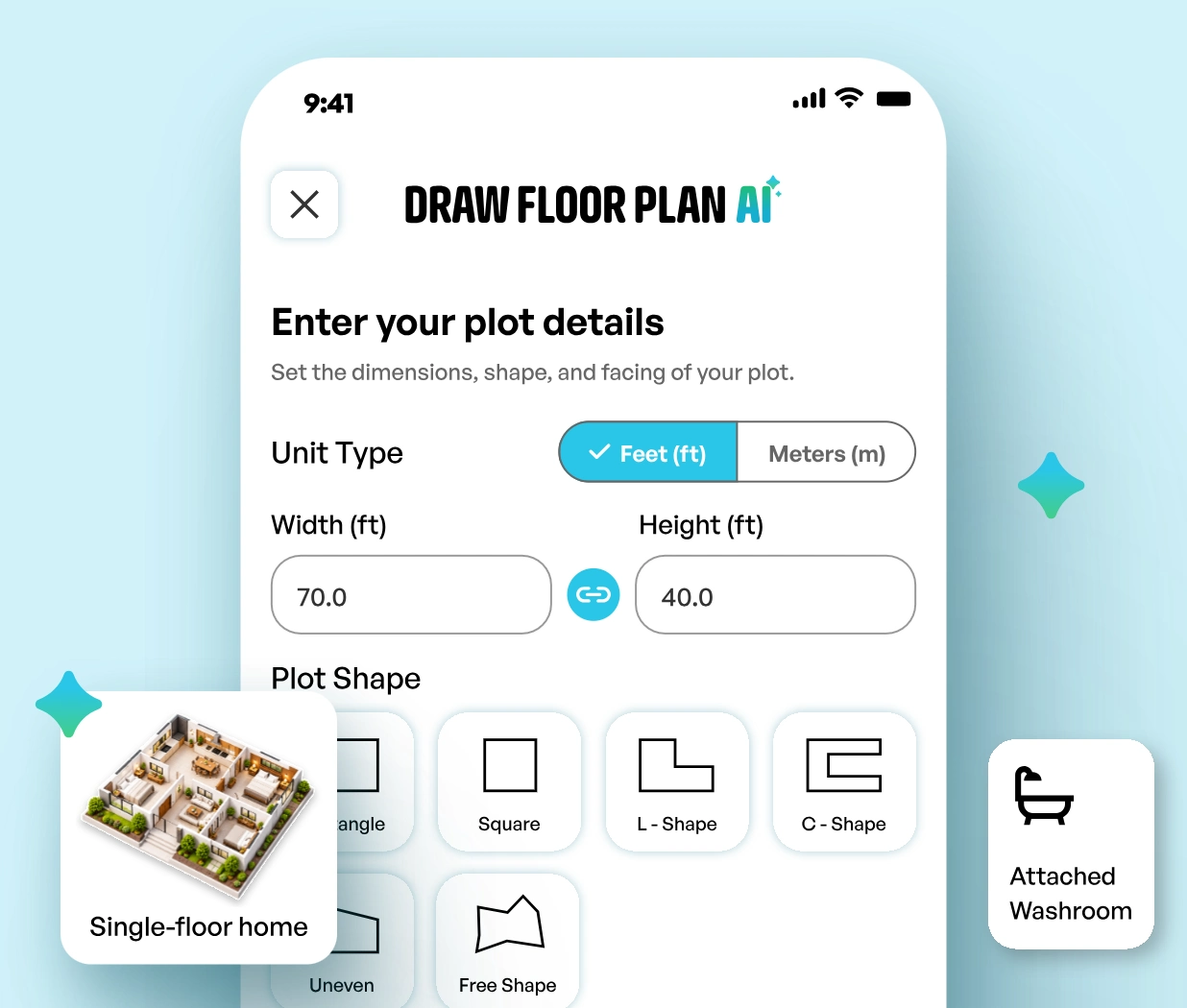
Step 01 / Set your plot

Choose your space

Pick the property type, enter your dimensions and select the plot shape and entrance direction.
Step 02 / Add your rooms

Describe what you need

Select your rooms and features, then add any extra requirements for the AI.
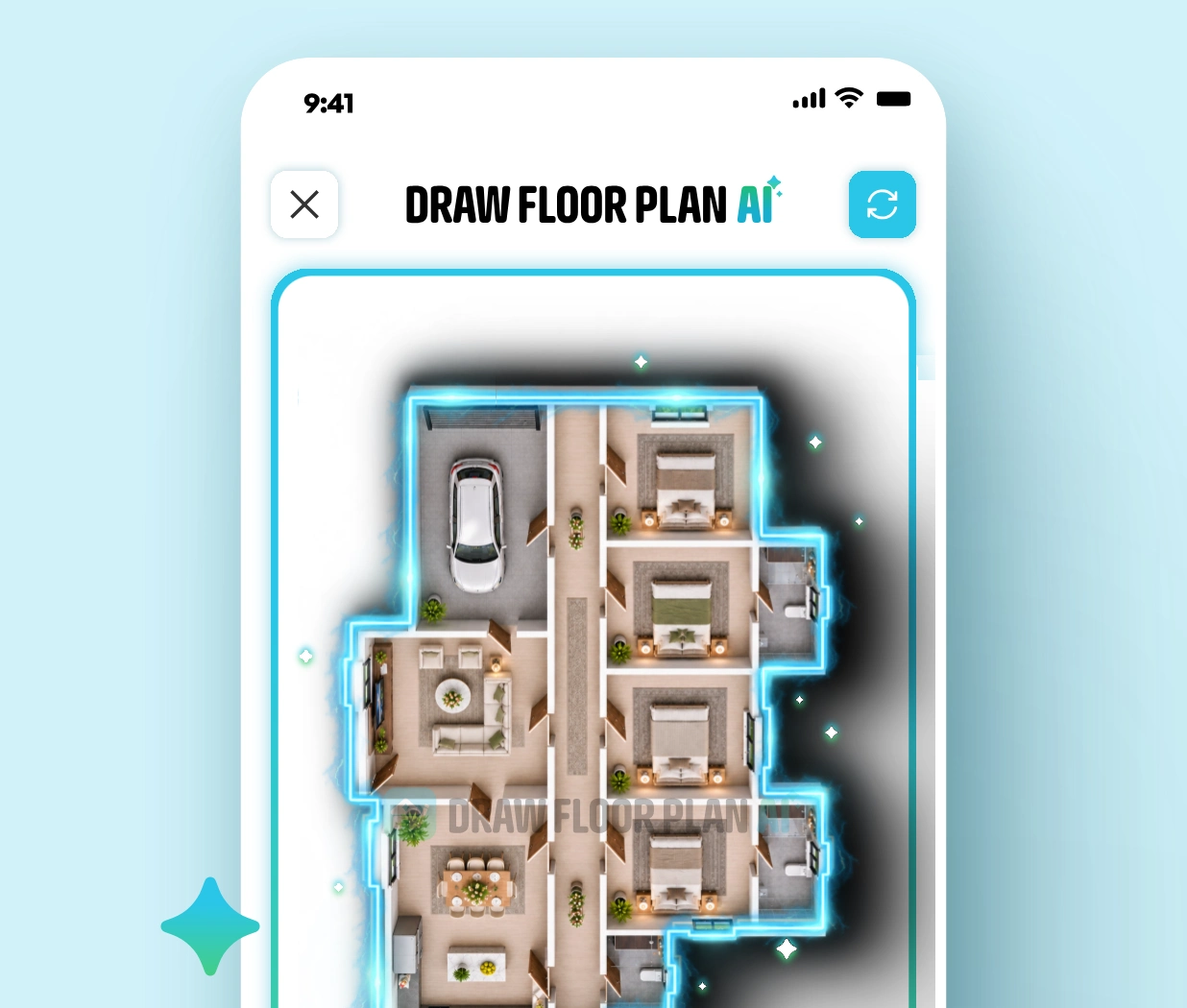
Step 03 / Generate with AI

See, edit and save

Get your AI-generated plan and decide whether to edit in canvas, refine the brief or try another layout.

One balance.
More possibilities.

Every AI action has a clear credit cost. Refine, regenerate, or create a new plan using the credits in your account.

20AI plan generations
40AI prompt edits
200AI regenerations
104K AI renders
Flexible top-ups

Need more credits?

Get a one-time pack in the app whenever you want to create more.

200 credits · $8.99

For developing and refining designs

Get Credits in App

Packs are one-time purchases through the mobile app. Prices may vary by storefront or country.

Designed with AI credits

Sample floor plans and the short briefs behind them. A plan like these is one AI Generation: 10 credits.

FAQS

Draw Floor Plan AI lets you create floor plans in seconds using artificial intelligence. Simply enter your plot dimensions, select your rooms, and add your requirements to generate a customized floor plan.

Open Draw Floor Plan AI, choose your property type, enter your plot dimensions, select the rooms and additional features, and tap Generate Floor Plan. AI will create a layout based on your preferences.

Yes! New users receive 15 FREE AI Credits to explore Draw Floor Plan AI.

Each AI action has a fixed credit cost: AI Floor Plan Generation: 10 credits Edit AI Prompt: 5 credits AI Regeneration: 1 credit

Yes! You can use Edit AI Prompt to modify your requirements, regenerate your floor plan up to 3 times to explore different variations, or use Edit in Canvas to manually customize your layout.

Open the Draw Floor Plan app, go to Profile → AI Credits → Add More, and choose a credit pack. You can also subscribe to a Creator or Pro plan to receive monthly AI Credits.

Purchased add-on credits never expire and remain available until used. Credits included with subscription plans refresh every monthly credit period, and unused plan credits expire at the end of that period.